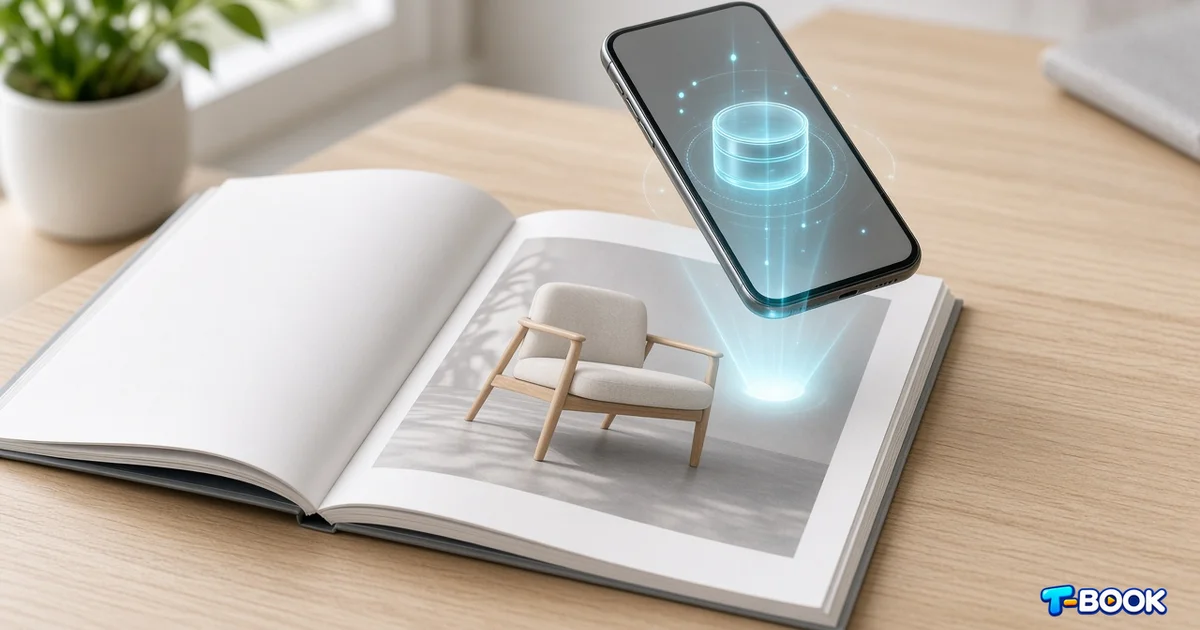
What is an AR book?
An AR book (augmented reality book) pairs printed pages with phone-based overlays. When a reader scans a target image, a video lesson, animation, or demo appears on screen—turning a static page into a guided experience.
Prefer a Persian primer first? See our related post on what an AR book is and the overview page What is an AR book.
Why create an AR book without coding?
Hiring a native AR team is slow and expensive for many publishers and tutors. A no-code path lets you:
- Ship a custom Android APK for your title
- Update the video later without reprinting every page
- Pilot classroom or museum experiences in days, not months
- Keep control of branding inside your own app shell
T-Book is built for that workflow: upload a target image and video in studio.t-book.org, then download your project app.
Step-by-step: create an AR book with T-Book
- 1. Pick the learning goal — vocabulary, science demo, story beat, or product explainer.
- 2. Design or choose a target image — cover art or a unique interior illustration with strong contrast.
- 3. Record or edit a short video — 30–90 seconds, clear audio, early hook.
- 4. Upload both files in the studio — map video to the target.
- 5. Generate and install the APK — test tracking distance and lighting.
- 6. Share with readers print the page, include a short “scan with our app” note.
Explore packaging options on the products page.
Design tips that improve tracking
- Avoid tiny text-only targets; visual landmarks help the camera lock on.
- Keep glare low on glossy paper during demos.
- Test on mid-range Android phones, not only flagship devices.
- Use one memorable target per major lesson to reduce confusion.
Who benefits most?
- Publishers adding interactive editions beside print runs
- Teachers and tutors who want demos without VR headsets
- Museums and workshops guiding visitors through exhibits
- Brands explaining complex products through story-like pages
AR catalogs and albums follow the same no-code pattern—start from T-Book and iterate in the studio.
Conclusion
You do not need a graphics-engine background to publish an AR book. With clear targets, short videos, and T-Book’s APK workflow, educators and publishers can launch interactive reading experiences without writing code.
FAQ
What is an AR book?
An AR book is a printed or digital book whose pages trigger video or interactive content on a smartphone when a target image is scanned.
Do I need coding skills to make an AR book?
No. With T-Book you upload a target image and a video, then download a custom APK app for your project.
What files do I need to start?
A clear target image (cover or page art) and a short intro or lesson video. High contrast and unique visual features help tracking.
Who should use no-code AR books?
Publishers, schools, tutors, museums, and brands that want interactive learning or storytelling without a development team.